
Research
Defined a representative user and mapped the questions, frustrations and decision points involved in selecting a robotic system.
Reframed a deep robotics and automation catalog around user goals, clearer navigation and reusable responsive templates spanning discovery, product landing and product detail.
 09
09The work is sequenced from research through information architecture, wireframes and final responsive product screens.
Persona and journey work clarified how technical buyers evaluated complex robotics and automation products.
The sitemap, menu system and page templates reorganized a deep product ecosystem around user decisions.
Responsive wireframes established page hierarchy and behavior before visual design.
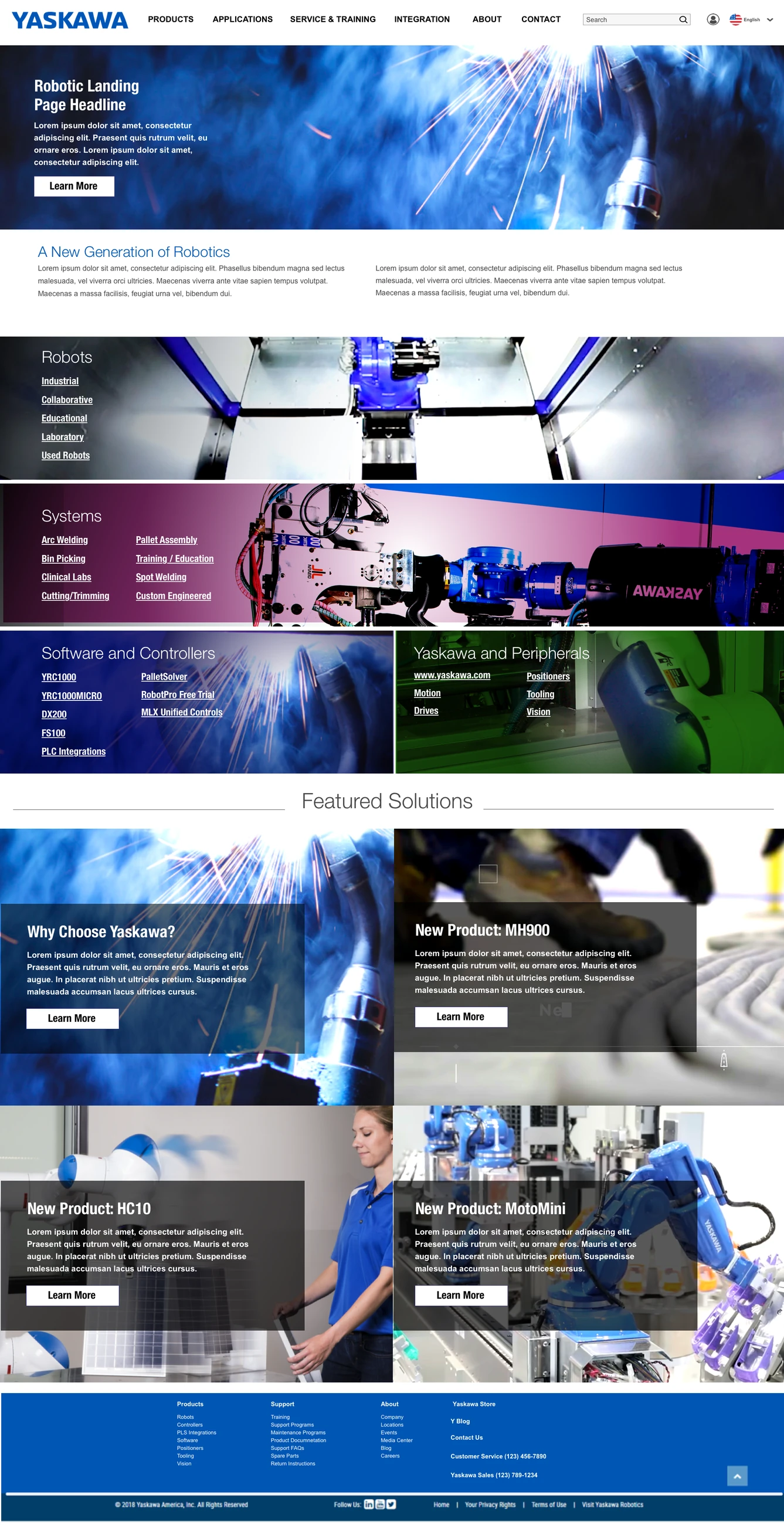
Desktop and mobile screens translated the architecture into a coherent industrial product experience.
Industrial buyers, engineers and integrators often arrive with different levels of knowledge. Some know the exact product family they need, while others are still trying to understand which robotic system fits an application.
The experience needed to support both behaviors without flattening the technical information that makes a complex B2B purchase possible.
The work connected user understanding to the structure of the site. Persona and journey artifacts informed the sitemap, menu system, responsive templates and detailed product experiences, creating a consistent path from broad exploration to technical evaluation.
Defined a representative user and mapped the questions, frustrations and decision points involved in selecting a robotic system.
Reorganized the sitemap and primary navigation around applications, products, services, education and support.
Created reusable page templates and responsive structures so content teams could scale the experience consistently.
Translated the system into desktop and mobile home pages, product landings and product-detail experiences.
The resulting architecture made it easier to move from a broad automation need to relevant products and supporting information. Reusable templates also gave the organization a more consistent foundation for maintaining a large, technical content ecosystem across screen sizes.
For technical products, simplification does not mean removing detail. It means helping the right person reach the right level of detail at the right time.